Getting Started with Arduino
What you will learn
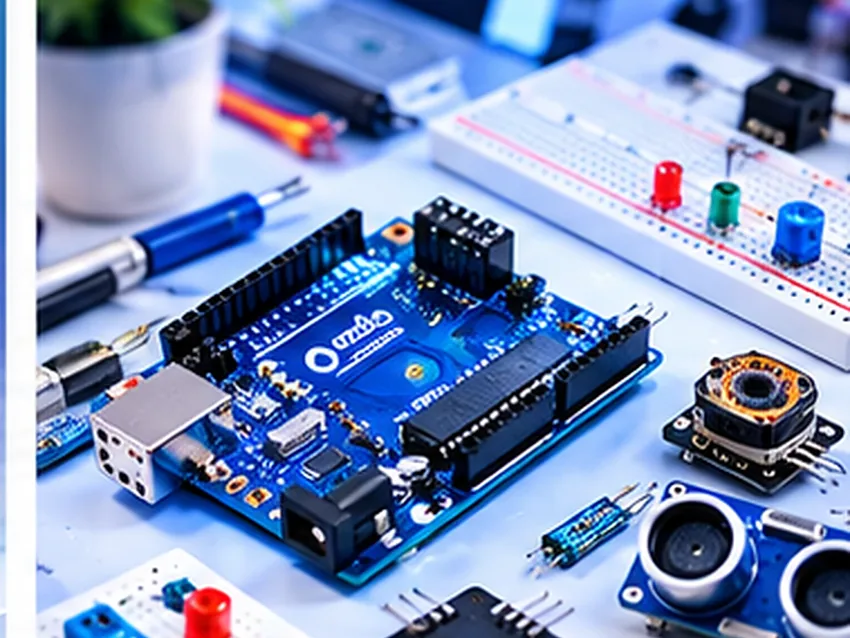
Identify a microcontroller board, install the official Arduino IDE, select the correct board and port, and upload the standard Blink example.
You will need
- Arduino-compatible development board
- Data-capable USB cable
- Computer with the Arduino IDE
Steps
- Install the official Arduino IDE appropriate for your operating system.
- Connect the board with a USB data cable.
- Select the appropriate board model and serial port in the IDE.
- Open File → Examples → 01.Basics → Blink.
- Click Upload and wait for completion.
- Observe the built-in LED blinking.
Troubleshooting
Try a different data cable or port if the board cannot be detected; verify the selected board package and permissions. Disconnect power before rewiring external circuits.